
Updated 17 November 2026
Mods and plugins both add things to Minecraft, but they work in a different way. The big question for most groups: do my friends have to install something? With plugins they don't. With mods they do. This page explains the difference, and how to get mini maps, guns or custom items without anyone installing anything.
The difference in one table
| Plugins | Mods | |
|---|---|---|
| Where it runs | Only on the server | On the server and on every player's computer |
| Players install something? | No | Yes, the same mods and versions as the server |
| Server software | Paper (or Spigot, Purpur) | Fabric, Forge or NeoForge |
| What it can do | Commands, protection, economy, minigames, maps, custom items with a resource pack | Anything: new blocks, mobs, dimensions, machines, new game mechanics |
| New Minecraft version | Usually supported quickly | Often weeks or months later |
| Bedrock players (Geyser) | Yes | No |
Can the server send mods to players automatically?
No. Minecraft has no way to install mods on a player's computer when they join. With a modded server, every player installs the same mods themselves, usually by installing one modpack in the CurseForge app or the Modrinth app. That's easy for a group of friends who all play on a PC, but it's a hurdle for random players and impossible on consoles and phones.
What the server can send automatically is a resource pack: textures, models and sounds. Players get a "Download resource pack?" question when they join and click Yes. That is how plugins add guns, furniture or custom items that look new, without anyone installing a mod.
Popular wishes without mods
- Mini map or world map: PocketMap gives every player a minimap in the game without a mod, and BlueMap gives everyone a live 3D map of your world in their web browser (see maps in the plugin guide). Players who want a mini map in the game can still install the JourneyMap or Xaero's mod themselves, it works on a plugin server too.
- Guns and custom weapons: gun plugins add weapons with their own models and sounds through a resource pack that is sent automatically.
- Protection, homes, teleports, ranks: plugins like WorldGuard, EssentialsX and LuckPerms.
- Building tools: WorldEdit.
- Extra rules or crafting recipes: data packs also run on the server only; see data packs on your server.
More ideas: the best Minecraft plugins. How to add them: install Minecraft plugins.
When mods are the better choice
- You want things plugins can't do: new dimensions, tech like Create, new biomes or big adventure packs.
- Everyone in your group plays Java on a PC and is fine installing a modpack.
- You don't need the newest Minecraft version on day one.
Then see Minecraft server with mods and Fabric, Forge or NeoForge.
Switching later
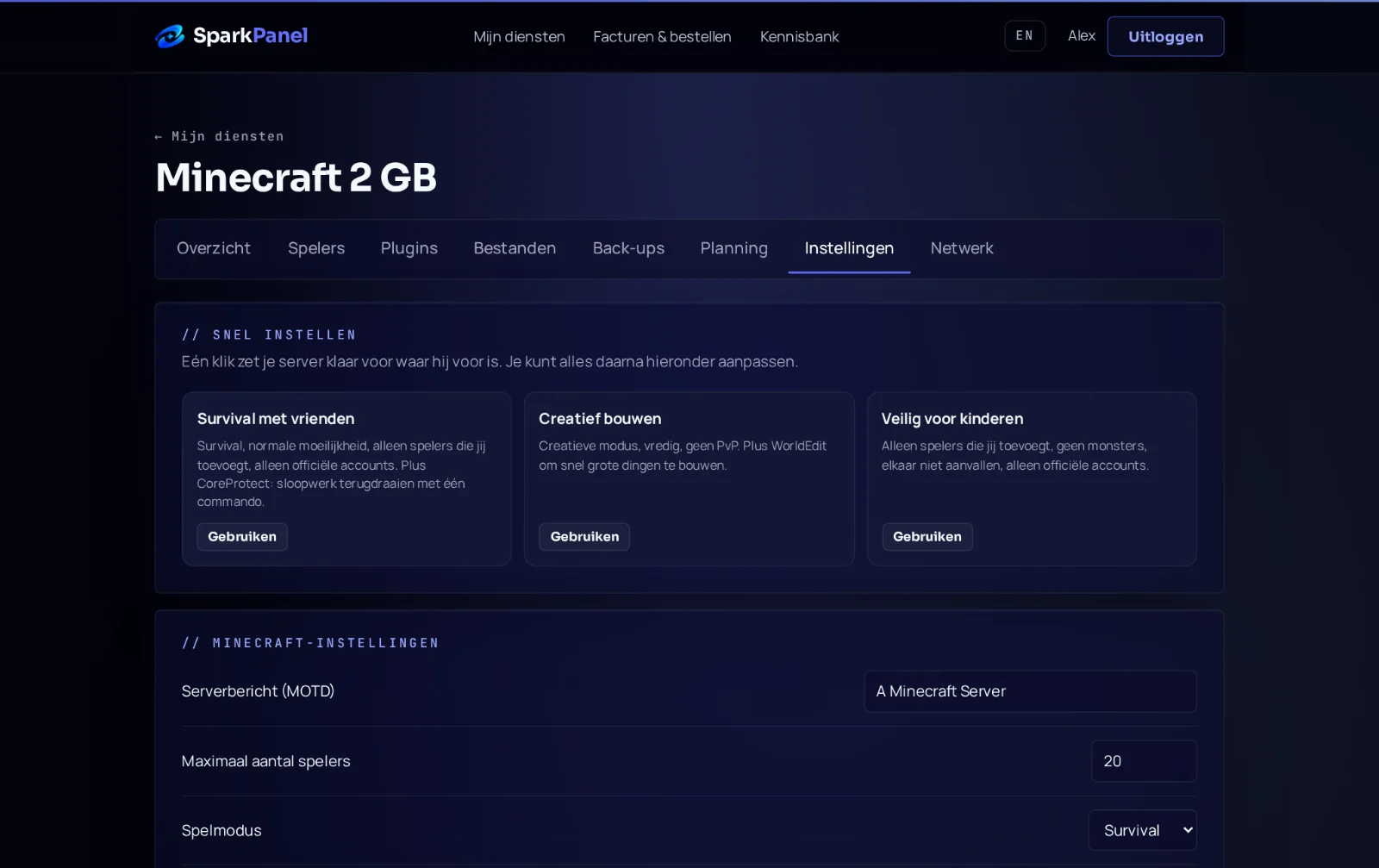
You can switch between Paper and a mod loader in SparkPanel under Settings. Make a backup first: a world from a newer Minecraft version can't be opened by a mod loader that runs an older version, and modded worlds often can't go back to plain Paper. Not sure? Open a ticket, we set it up with you for free.
Frequently asked questions
Can I run mods and plugins on the same server? Not on a ServerSpark server: choose Paper for plugins or a mod loader for mods.
Do plugins work for Bedrock players? Yes, with Geyser Bedrock players join your Java server and see what plugins add. Mods don't work for them. See Geyser.
Do my players need anything for a resource pack? No, they click Yes when the server offers it. They can say no, so make sure the game still works without it.