
Updated 19 November 2026
You can put almost any CurseForge modpack on your ServerSpark Minecraft server yourself. You download the pack's server files from CurseForge, give the zip to SparkPanel, and the panel does the rest: the right Minecraft version, the mod loader (Forge, NeoForge, Fabric or Quilt), the right Java version and all mods and settings of the pack.
What you need
- A Minecraft Java server at ServerSpark with enough memory for the pack. Small packs run on 4 GB, most packs want 6 to 8 GB, the biggest ones 8 to 12 GB. SparkPanel tells you what the pack needs before it installs. The table per pack is in Make a Minecraft modpack server.
- The Server Pack of the modpack, a .zip file from CurseForge. This is a different file from the one you play with.
1. Download the Server Pack
- Open the page of the modpack on curseforge.com.
- Go to the Files tab and click the version you want to play.
- Look for Additional Files on that page. The file listed there as Server Pack is the one you need. The name often ends in
server.zip,ServerFiles.ziporserver_pack.zip. - Download it. Leave it zipped.
2. Give the zip to SparkPanel
- Open your server in SparkPanel and click Stop.
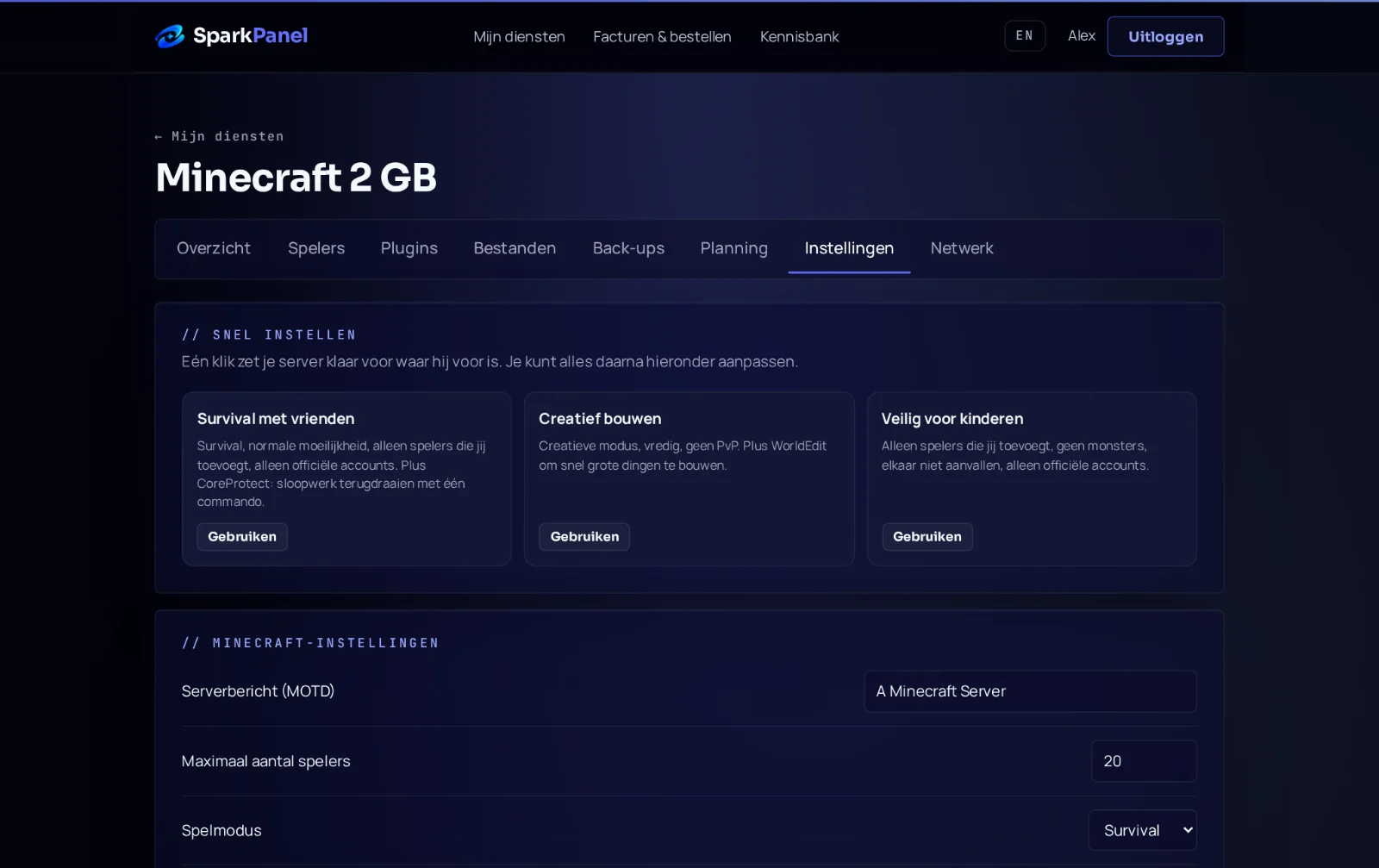
- Go to Settings, card Server software, and open Switch to other software or a version.
- Choose CurseForge modpack (upload).
- Give us the zip in one of two ways:
- Upload the zip from this device: for zips up to 500 MB.
- Pick a zip that is already on your server: for bigger packs. Many server packs are 800 to 950 MB. Upload the zip with an SFTP program such as FileZilla or WinSCP to the main folder of your server (address and user are under Files, SFTP access), reload the Settings page and pick the zip from the list.
The panel unpacks the zip and reads what the pack needs. That takes a few seconds, for a big pack up to a minute or two. Nothing on your server changes yet.
3. Check and install
SparkPanel shows what it found: the pack, the Minecraft version, the loader, the Java version, the number of mods and how much memory the pack needs next to what your server has.
- Choose the world: start a fresh world (old one kept) is the safe choice, because a world made without these mods usually does not fit a modpack. Choose keep my world only when the world was made with this same pack.
- Tick I understand the server will be reinstalled and click Install this modpack.
- The installation takes a few minutes. Then click Start. The first time, SparkPanel asks you to accept the Minecraft EULA. The first start of a big pack can take several minutes; the console shows
Donewhen it is ready.
files-before-modpack with the date. Nothing is deleted. You find it under Files and can remove it when you no longer need it.4. Play
Install the same version of the pack in the CurseForge app on your own computer and join with your server address. Server and game must be on the same pack version, and every friend needs the pack too.
Good to know
The pack needs more memory than my server has. What now? SparkPanel warns you before it installs and offers the upgrade that fits. Your world and settings stay when you upgrade, and you only pay the difference for the rest of the period. You can also install anyway and upgrade later.
I get "This zip is the pack for the game itself". What does that mean? You uploaded the file from the big Download button, or a profile exported from the CurseForge app. Those list the mods but do not contain them. Get the Server Pack from the Files tab instead (step 1).
The pack has no Server Pack. Can I still play it? Yes. Some authors do not publish one. Open a ticket with the link of the pack and we install it for you, free.
I get "We could not tell which Minecraft version and loader this pack needs". What now? Nothing was changed on your server. Send us the name of the pack in a ticket and we install it for you.
Can I upload a zip of my own mods folder? Not through this option: a mods folder alone does not say which Minecraft version and loader it needs. Switch your server to Forge, NeoForge or Fabric in the right version under Server software and put the mods in the mods folder, as described in Minecraft server with mods. Or open a ticket with the Minecraft version and the loader, and we set it up for you.
What happens to mods that only work in the game? Mods such as minimaps, shaders and menus stop a server. The installer moves those to the folder mods-client-only-disabled. Players keep them in their own pack.
How do I update to a newer version of the pack? Do the same steps with the new Server Pack and choose "keep my world". Make a backup first under Backups.
Is there an easier way for Modrinth packs? Yes: choose "Modrinth modpack" and paste the link. See Make a Minecraft modpack server.