
Updated 17 November 2026
You join a Counter-Strike 2 server with one command in the developer console, or through the Community Server Browser. This guide shows both, how passwords work, and what to check when you can't connect.
1. Before you start
- Start your server in SparkPanel. The first start downloads the game files and can take several minutes.
- Your server needs a free Steam login token (GSLT) to be reachable over the internet. Create one at
steamcommunity.com/dev/managegameserverswith App ID730(one token per server) and paste it under Settings → Quick setup. Restart. - Copy the address at the top of your server page, for example
g-de-08.serverspark.nl:25590.
2. Turn on the developer console (once)
- Start CS2 and open Settings, then Game.
- Set Enable Developer Console (~) to Yes.
- Press the ~ key (left of the 1 key) to open the console.
3. Join with the console
Type this in the console, with your own address, and press Enter:
connect g-de-08.serverspark.nl:25590Server with a password? Enter the password first, then connect:
password yourpassword
connect g-de-08.serverspark.nl:25590
Share these two lines with your team, so everyone joins the same way.
4. Join through the server browser
- In CS2 choose Play and open the Community Server Browser.
- Go to the Favorites tab, click Add a server, paste your address with the port, and add it.
- Your server now stays in Favorites: double-click it to join.
5. Name, password, map and mode
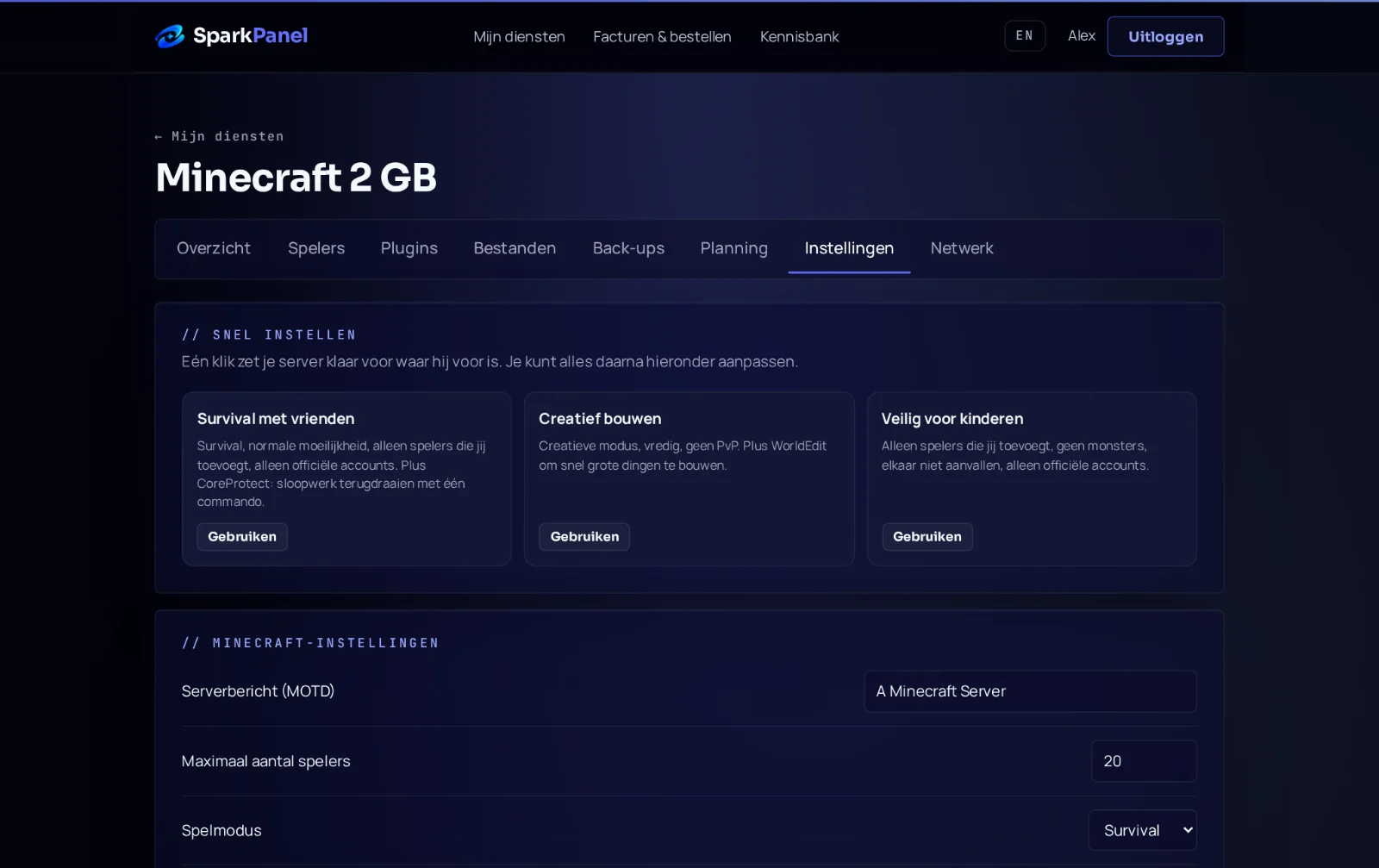
Under Settings → Quick setup in SparkPanel you set the Server name, Server password (empty means open), Max players, the start Map (for example de_mirage) and the game mode. Common combinations of Game type and Game mode: Casual 0 and 0, Competitive 0 and 1, Wingman 0 and 2, Deathmatch 1 and 2. Restart after a change.
6. It doesn't work
- "Connection failed" or it keeps retrying: check that the server runs in SparkPanel and that you typed the address and port exactly as shown. A first start can still be downloading.
- Server not reachable over the internet: the GSLT is missing or wrong. Check it under Settings, make sure it was made for App ID 730, and restart.
- Bad password: run
password yourpasswordagain beforeconnect. Passwords are case sensitive. - Server is full: raise Max players under Settings and restart.
- Version error after a CS2 update: restart the server so it updates, and restart CS2. Plugins (Metamod and CounterStrikeSharp) sometimes need a new version after a big game update; until then, the server runs without them.
Still stuck? Send us a ticket or ask in our Discord with your service number.