
Updated 17 November 2026
Dragonwilds has no "connect by IP" box for most players: you find a dedicated server by its world name. This guide shows how to join and what to check when your world doesn't show up.
1. Look up your world name
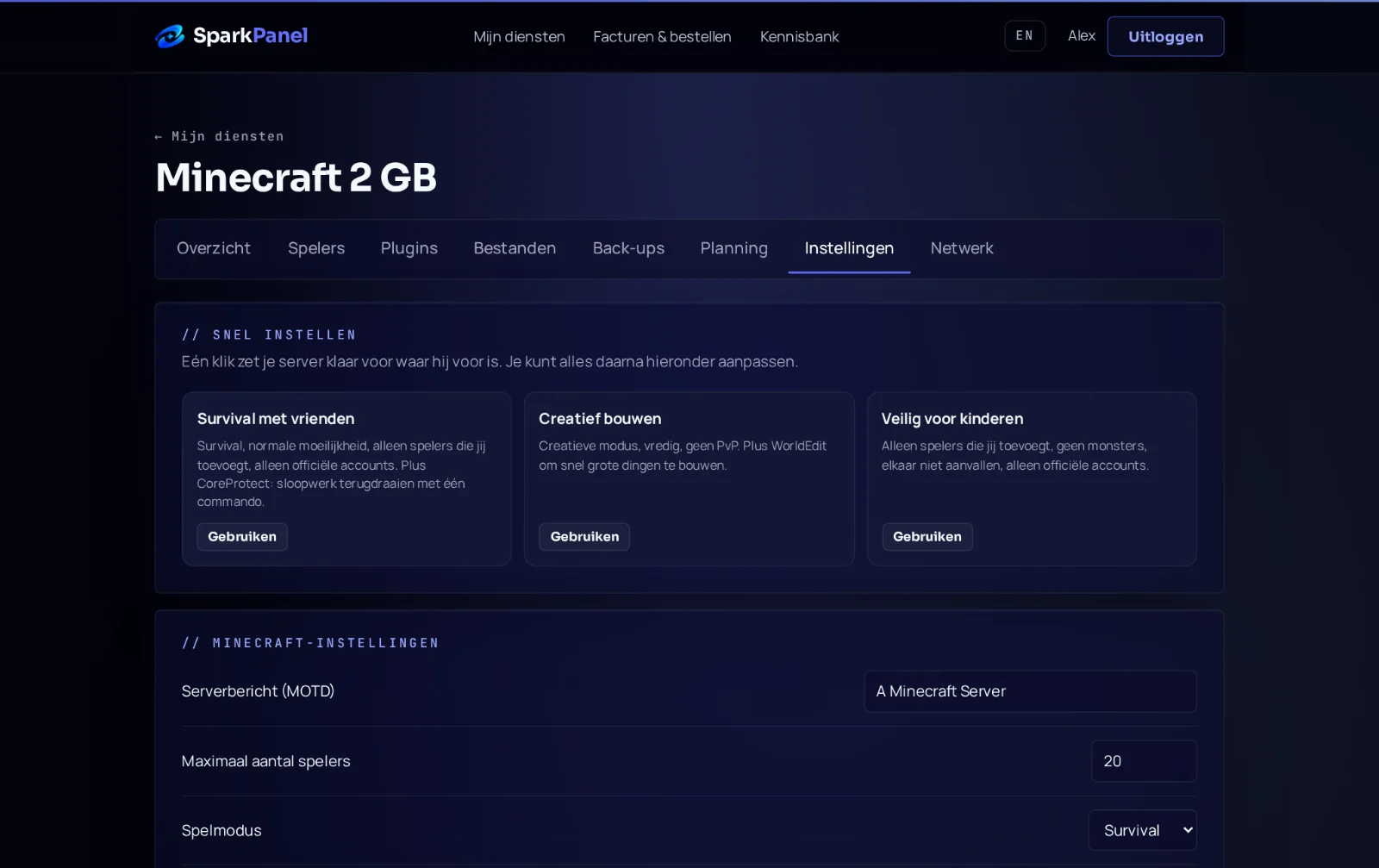
Open your server in SparkPanel and go to Settings. The Default World Name is the name to search for, for example Spark 101234. Did you upload your own world? Then use the name of that world.
2. Join from the game
- Start RuneScape: Dragonwilds and open the Worlds screen.
- Go to the Public tab.
- Type the world name in the search bar exactly: it is case-sensitive, so
spark 101234does not findSpark 101234. - Press Enter and wait a few seconds. Select your world and join.
- Enter the world password if you set one.
Your friends do the same. Up to 6 players can be in the world at once.
3. It doesn't show up
- Check in SparkPanel that the server is running and that the console shows
CREATE SESSION - Advertise. A fresh server needs a few minutes to download the game first. - Check the spelling and capitals of the world name.
- Just changed the world name? Restart the server, then search for the new name.
- Game updated today? Restart the server: with Automatic Updates on (the default) it downloads the new version on start, so the server and players are on the same version again.
Still stuck? Send us a ticket or ask in our Discord with your service number, and we'll look at it with you.