
Updated 17 November 2026
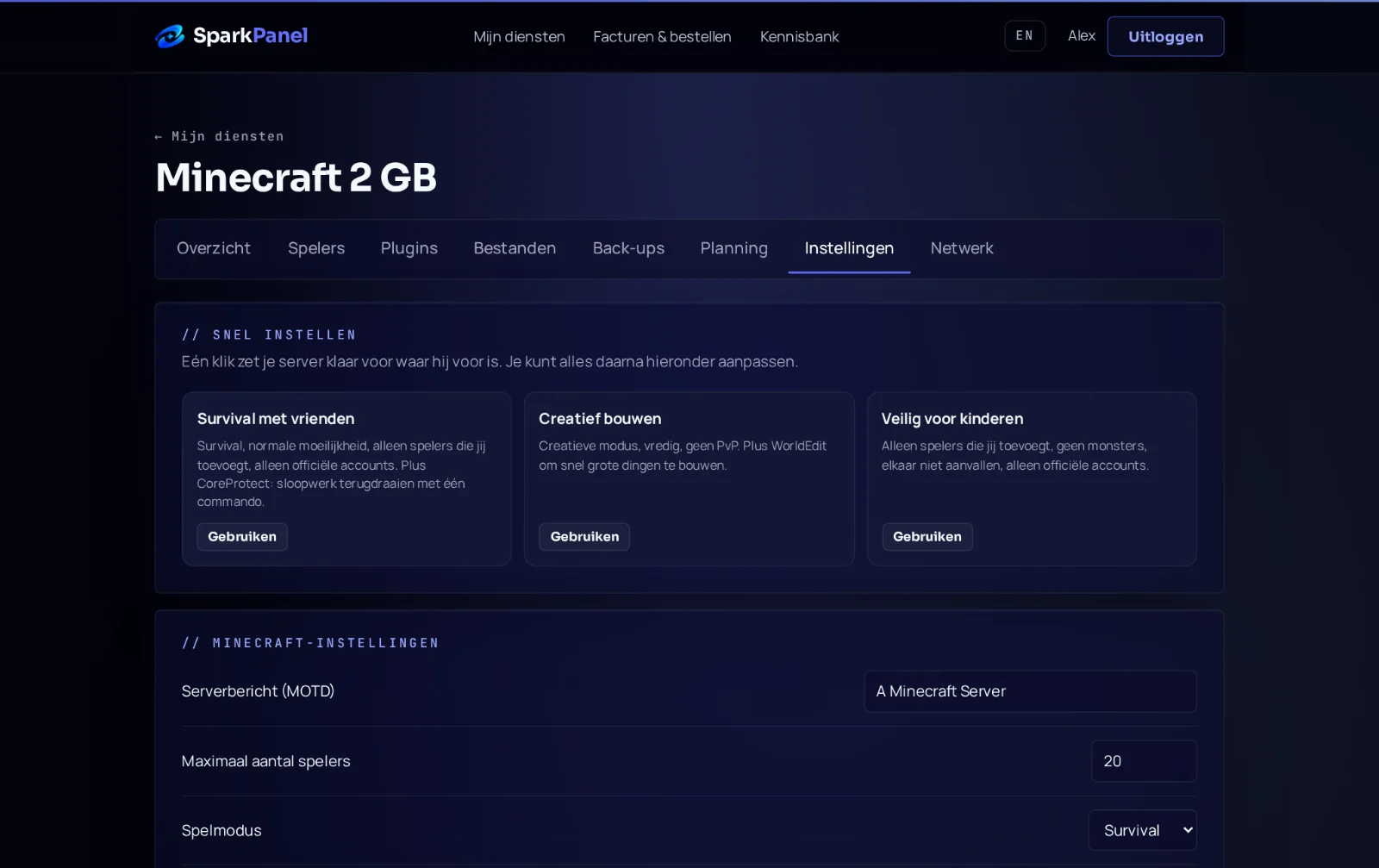
This guide shows how to set up your Don't Starve Together server: the cluster token it needs, the name, game mode, password, caves and workshop mods. You change the settings in SparkPanel under Settings.
1. Get your cluster token (required)
Klei only lets a dedicated server start with a cluster token from your own Klei account. It's free and takes a minute.
- Go to accounts.klei.com and log in with the account you play with.
- Under Game Servers, type a name and click Add New Server.
- Click Configure Server and copy the Cluster Token (it starts with
pds-). - In SparkPanel, go to Settings and paste it into Server Token.
- Restart the server.
Without a token the console shows Your Server Will Not Start. Keep the token private: anyone with it can run a server on your account.
2. Name, description and game mode
- Cluster Name is the name players see in Browse Games. We fill in
ServerSpark S-plus your service number; change it to your own. - Cluster Description is the text under the name.
- Game mode:
survival,endlessorwilderness. - Max Players: how many players can be online at once.
Restart the server after changing a setting.
3. Password
To make the server private, open Files, go to DoNotStarveTogether/config/server and edit cluster.ini. Fill in cluster_password = yourpassword under [NETWORK], save and restart.
4. Caves
Your server runs two shards: the surface world and the caves. Both are on by default and the caves get their own port automatically, so players can go down a sinkhole without any setup.
5. Workshop mods
- Find the mod's number in its Steam Workshop link (
?id=123456789). - Under Files, open
mods/dedicated_server_mods_setup.luaand add a line:ServerModSetup("123456789"). - Turn the mod on for both shards in
DoNotStarveTogether/config/server/Master/modoverrides.luaand.../Caves/modoverrides.lua:return { ["workshop-123456789"] = { enabled = true } }. - Restart the server. It downloads the mods on start.
Many mods need more memory: with more than a few, take the 4 GB plan.
6. Updates and backups
Auto-update server is on, so the server installs the latest game version every time it starts. After a game update, just restart. We make a backup every night; before big changes make an extra one via Backups → Create backup. Next step: how to join your server.